
Deploying a Data Annotation App to Production with Cursor Agents and GPT-5
Deploying a Data Annotation App to Production with Cursor Agents and GPT-5
I recently deployed a data annotation app for a work application, and I’ll walk through how I used Cursor agents and GPT-5 to expedite that process.
Step 0: Onboarding to the codebase
First, I onboarded to the codebase. I wrote about how I did that in this link.
Step 1: Planning and spec generation
Nowadays, most of my work revolves around careful planning and spec generation in conjunction with AI agents.
I’ve done this process enough times that I’ve formalized my project planning logic with a complex multi-step project management prompt. I plan to revisit this prompt at some point to streamline/simplify some things as well as possibly migrate to exposing an MCP or tools rather than dumping many long instruction files into context. In the meantime, the current prompt works well enough. It has the following parts:
- Phase 1 (Initial Brainstorming and Context Gathering), where you run a structured brainstorming session with an AI agent, capture everything in a braindump.md, identify knowledge gaps and risks, and explicitly secure user approval before moving on.
- Phase 2 (Requirements Specification and Context Refinement) transforms that brain dump into a full specification using the spec-writing guide, ensuring stakeholder needs, success metrics, scope, UX, and feasibility are all made explicit.
- A dedicated Phase 2.5 adds rigor via multi‑persona review before execution: you route sections of the spec to the right expert personas using the router, gather structured feedback (scores, recommendations) through the review prompt, and iterate the spec until issues are addressed and the user is satisfied.
- Phase 3 then operationalizes the plan: you create a Linear project, generate atomic testable tickets with clear acceptance criteria, and set up the project folder and tracking.
- Phase 3.5 enforces file hygiene and traceability: verify the canonical project structure, move the finalized spec.md, add planning and tracking files (plan_
.md, todo.md, logs.md, lessons_learned.md, metrics.md, retrospective/), validate links and dependencies, and open a PR for the planning artifacts.
- Phase 3.5 enforces file hygiene and traceability: verify the canonical project structure, move the finalized spec.md, add planning and tracking files (plan_
- With structure in place, Phase 4 focuses on design and architecture—system design, data models, interfaces, UX artifacts, and an implementation plan with risks and testing/deployment requirements.
- Finally, Phase 5 covers execution and delivery: implement tickets in priority order with standards, validate against acceptance criteria and success metrics, and plan/execute deployment with monitoring and iteration. The guide closes with ongoing quality assurance: periodic reviews against the spec, continuous documentation updates, and a lessons‑learned loop—culminating in success criteria that ensure clarity of requirements, organized tracking, robust design, and a delivered outcome that meets the defined goals.
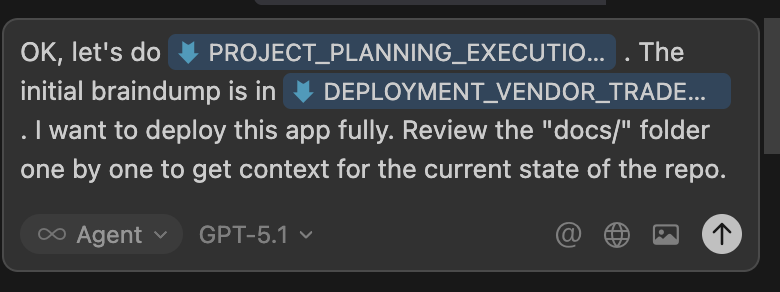
GPT-5 then asks for clarification
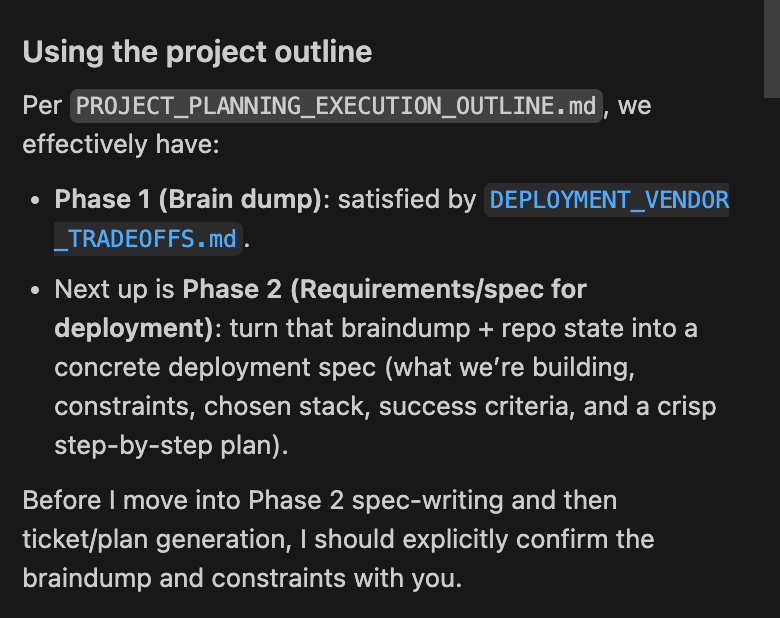
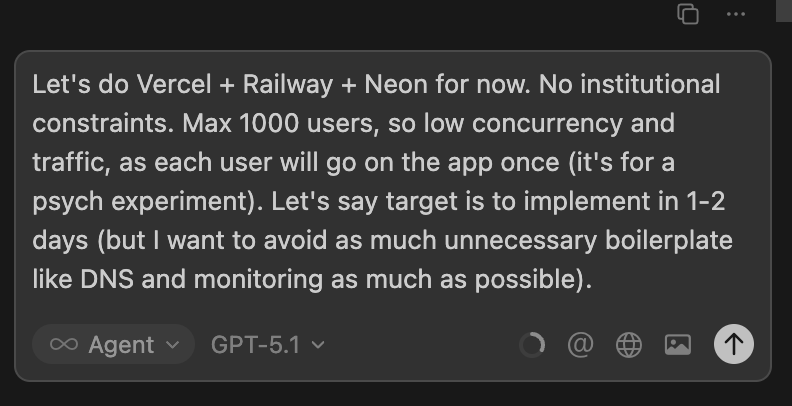
I iterate with GPT-5 for a bit, in order to better clarify the specs.
Then GPT-5 created a full draft of the specs to review.
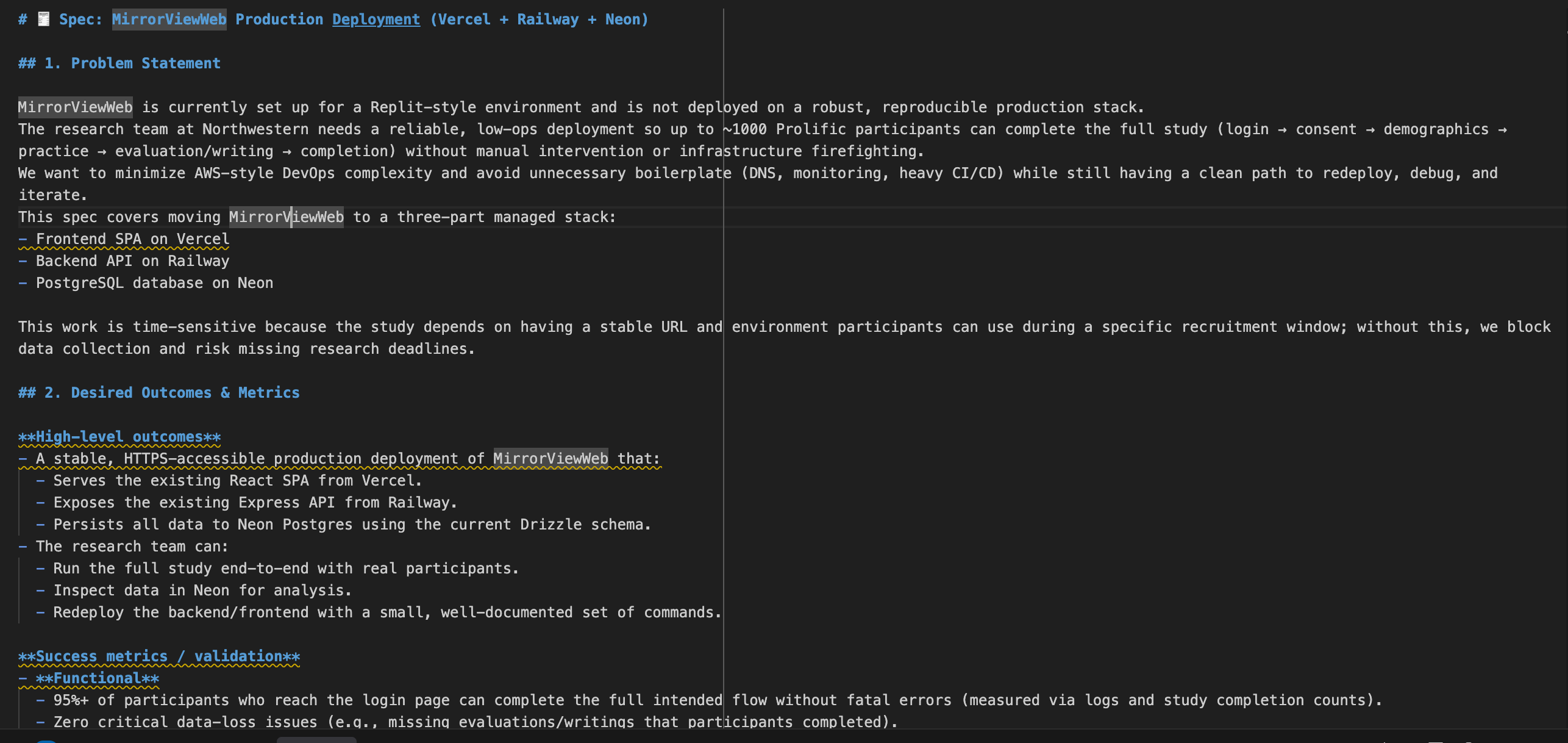
The spec was pretty comprehensive but didn’t veer towards being overengineered, which is a good improvement. I’ve found GPT-5 to be much more literal in answering what you’ve specifically asked for, while Sonnet 4.5 can be a bit verbose. When I do specs, I often prefer GPT-5 as a result (for coding, I still am trying out GPT 5.1 Codex, which seems to work pretty well, though my day-to-day is still Sonnet 4.5).
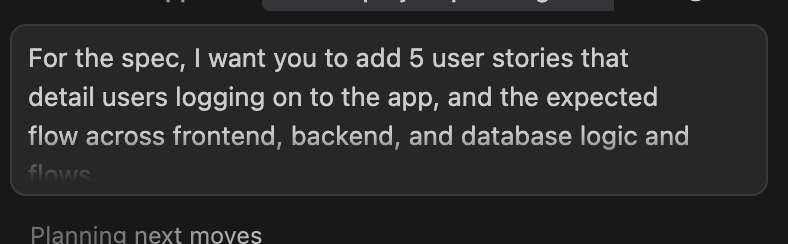
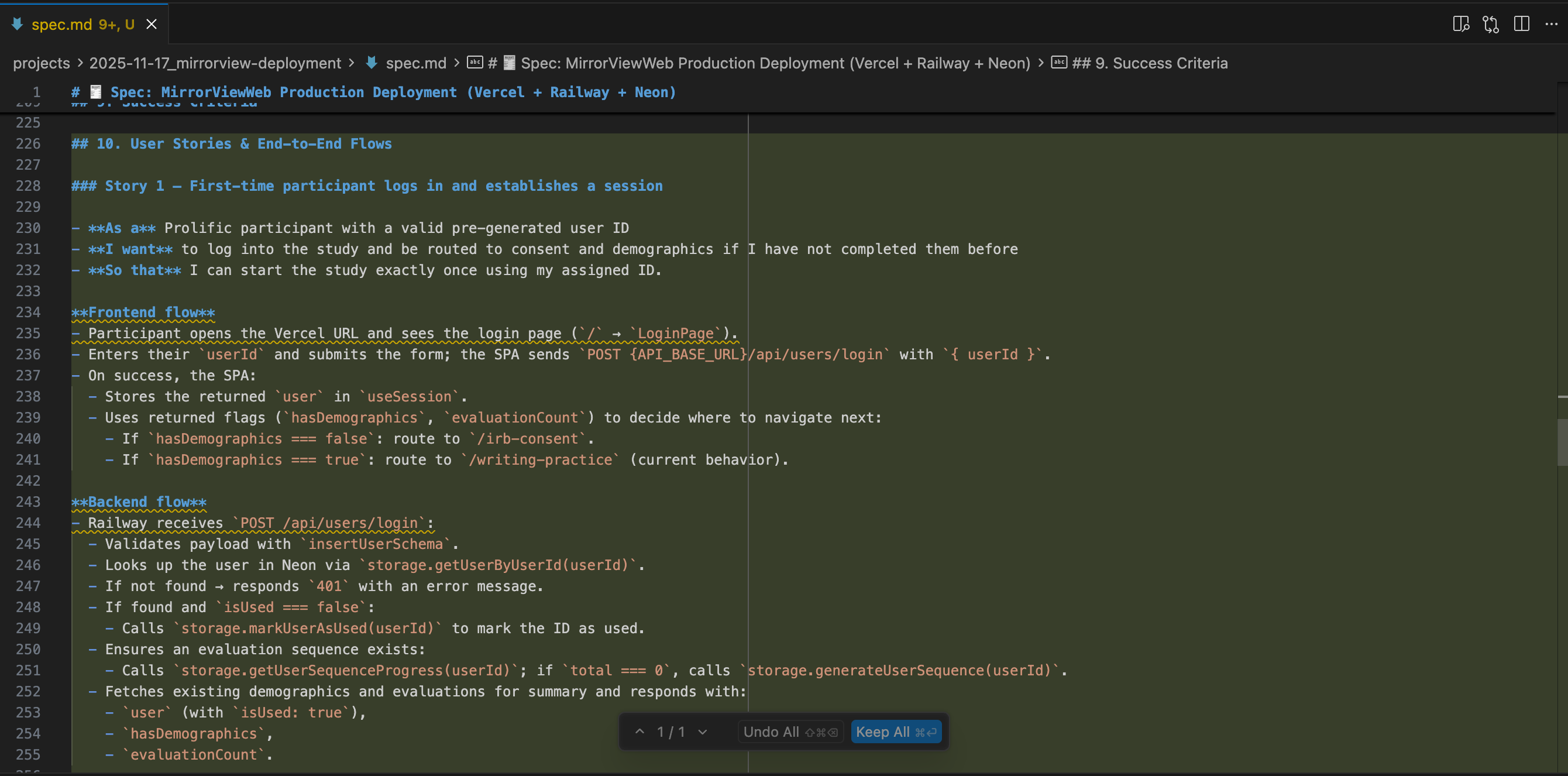
I asked GPT-5 to add some user stories to the specs, and it did so pretty well.
Next, I had Cursor do the next steps, which is to (1) create the tickets and (2) create the docs that will serve as the external persistent “memory” logs for my AI agents.
One problem I’ve persistently run into for sufficiently large or long-lasting projects is context engineering. My personal approach around it is to track persistent state and memory in my own external docs.
That structure looks something like this;
-
spec.md: The finalized specification placed in the project root; single source of truth for goals, scope, success criteria, and requirements.
-
tickets/ (organized docs): Folder containing atomic, testable ticket files (e.g., ticket-001.md); documents acceptance criteria, dependencies, and execution details.
-
README.md (optional overview): Project overview/dashboard in the project root; quick entry point linking spec, tickets, plans, and status.
-
braindump.md (context record): Captures the initial brainstorming session and raw context; preserved alongside the spec for traceability.
-
plan_
.md (new): Execution plan for a feature/area; enumerates subtasks, deliverables, effort estimates, and sequencing. -
todo.md (new): Live checklist synchronized with Linear issues; day-to-day execution tracker.
-
logs.md (new): Running log of progress, decisions, and issues; creates an auditable trail during implementation.
-
lessons_learned.md (new): Rolling record of insights and process improvements; feeds future projects and retrospectives.
-
metrics.md (new): Tracks performance/time metrics (e.g., lead time, cycle time, throughput); supports forecasting and continuous improvement.
-
retrospective/README.md (new): Seed file for the retrospectives folder; houses ticket/post-launch retros and action items.
I use each of these to varying degrees per project, but generally it’s the scaffolding that I’ve found most useful for kicking off complex, multi-part builds.
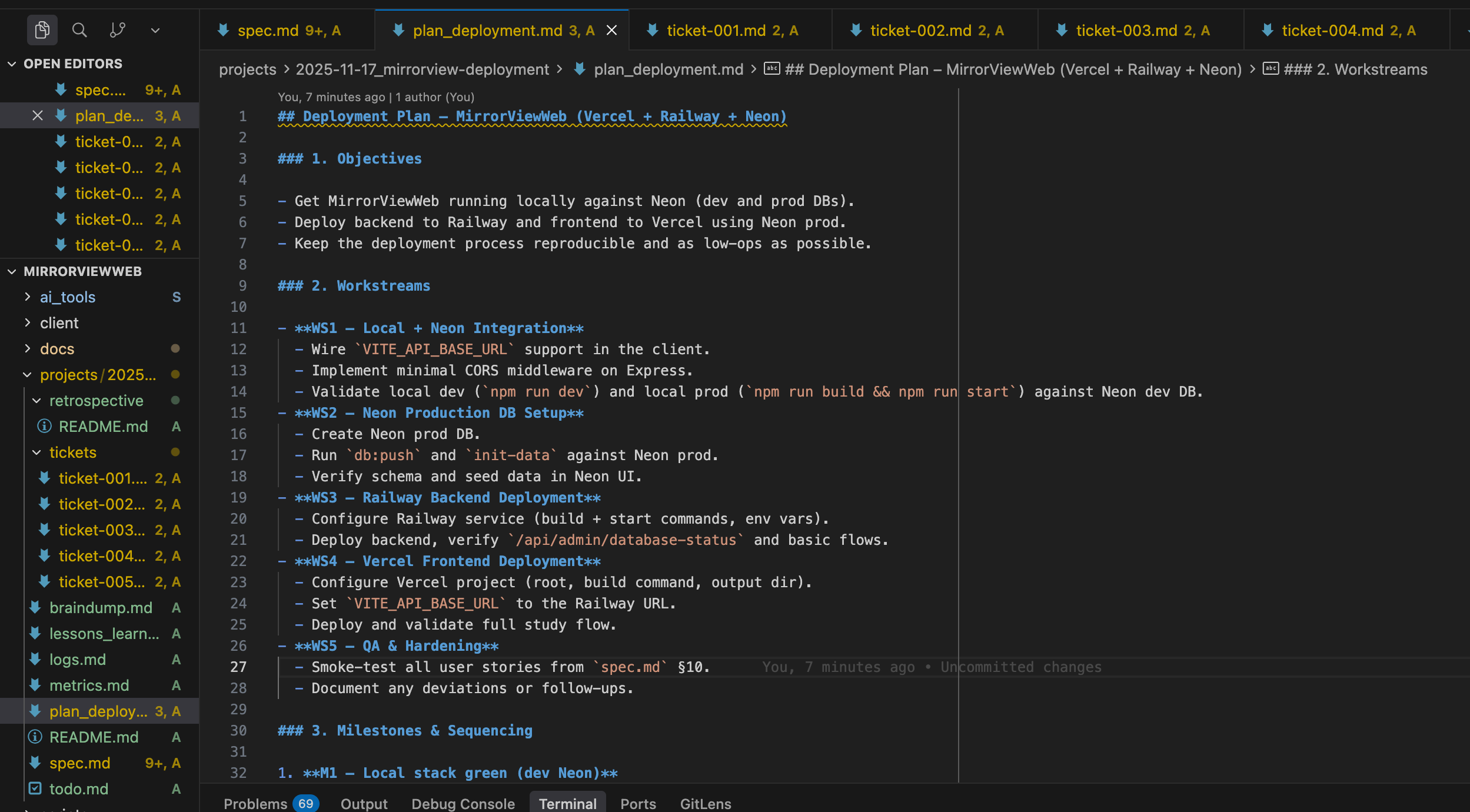
I review the docs and plans that Cursor has developed. Then I instruct Cursor to continue and use the Linear MCP to actually create a new project for this workflow and then add the associated tickets.
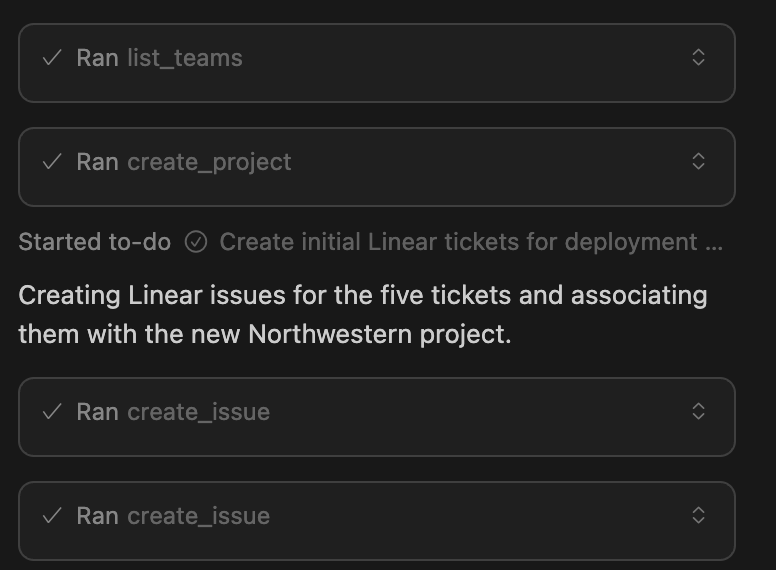
Next, I have Cursor create a PR with all the associated documents for defining the projoect. Sometimes GPT-5 (and its predecessors) have the problem of being overly ambitious with wanting to start coding right away, so I nudged GPT-5 in my instructions to first create the PR before continuing to development.
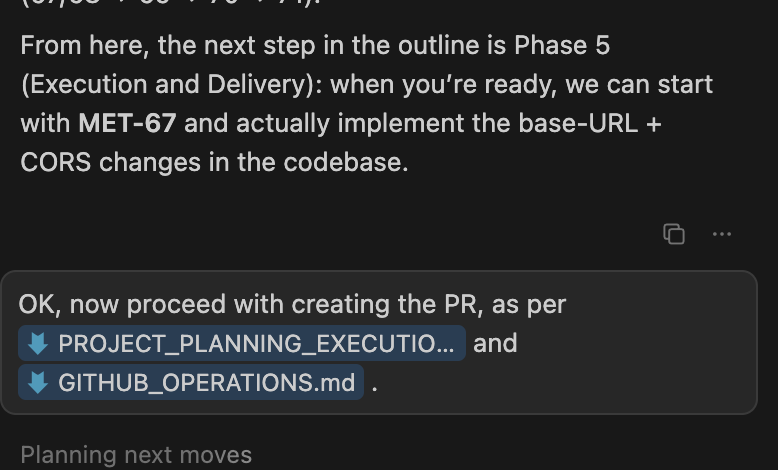
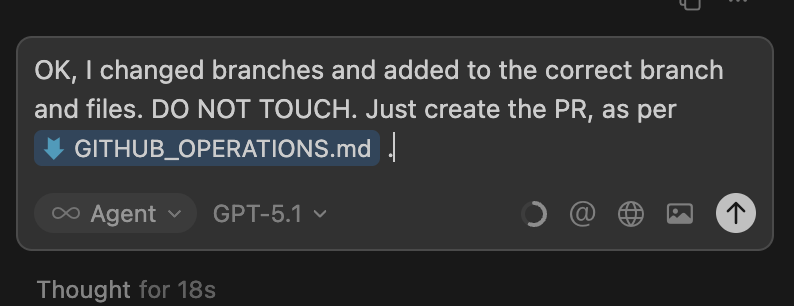
GPT-5 was being annoying with how it reconciled some conflicts, so I went and did it myself. I also instructed it to continue and to NOT touch what I added to Git, but just to focus on creating the PR. Instructing the agent doesn’t help it do better, but it’s my little way of conveying my frustrations with it when it comes up.
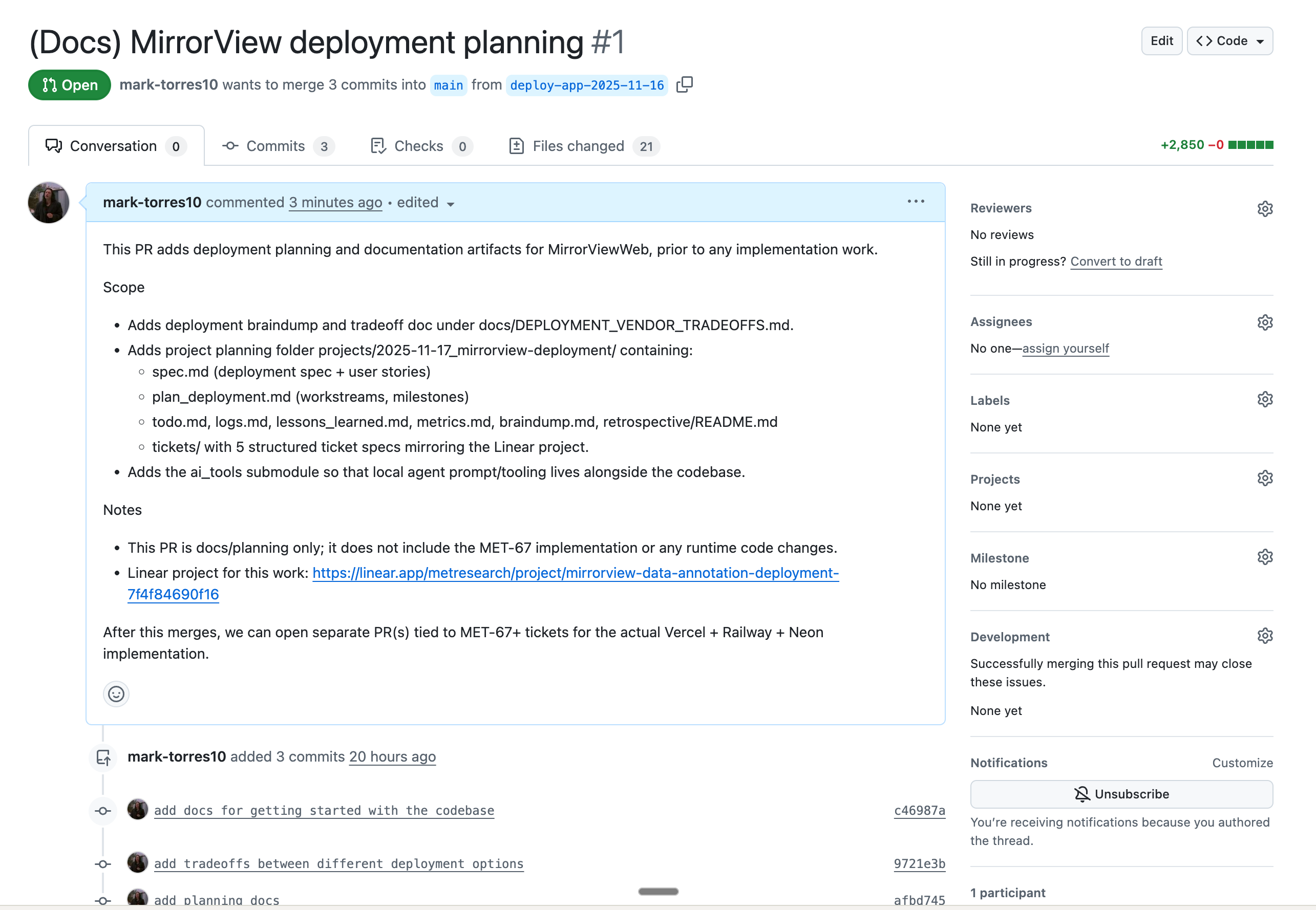
Now I can review and merge this with the team and start implementation.
Step 2: Start implementation
Now that we’ve done the planning and spec development, we can start implementation.
I have a comprehensive orchestrator prompt that manages the workflow that I want agents to follow when they execute tickets. I’ve refined this over my own experience in delivering and shipping features for years, so it’s a pretty opinionated workflow, but it’s one that I find works well both for myself and also for the AI agents that follow the same scaffolding.
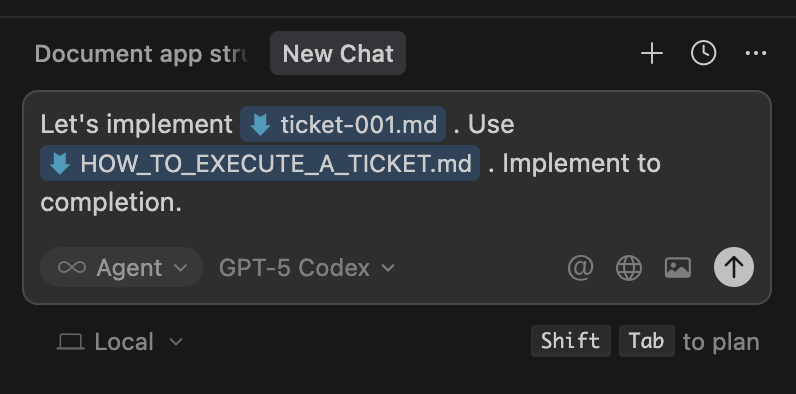
I instructed the Cursor agent to fully execute the first ticket as per the instructions in the orchestrator prompt.
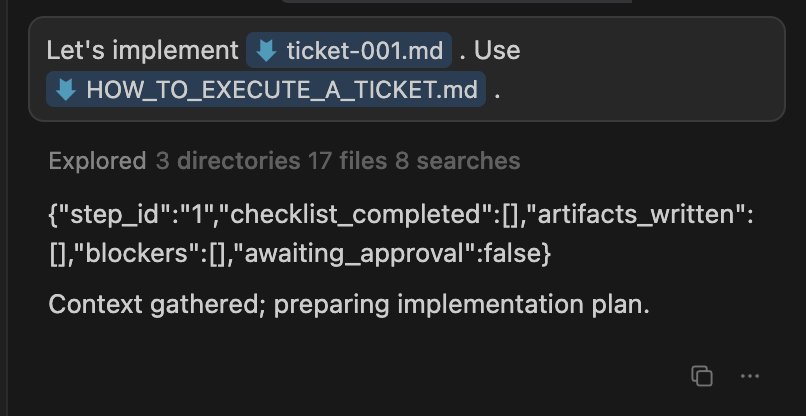
The agent correctly scanned the entire codebase, the relevant project spec docs, and followed the instructions for the given step. It returned a JSON that has the stage it is on as well as a brief update about what it did. Having this “adherence check” at the end of each phase to steer the agent behavior is a recent and very beneficial addition that I’ve made to the scaffolding, as it aligns the agents to the structure of their training data and allows them to more consistently adhere to the instructions I’ve given, in the order I’ve given them.
I then get Cursor to continue implementing and it does so, step by step. First, it creates an implementation plan.
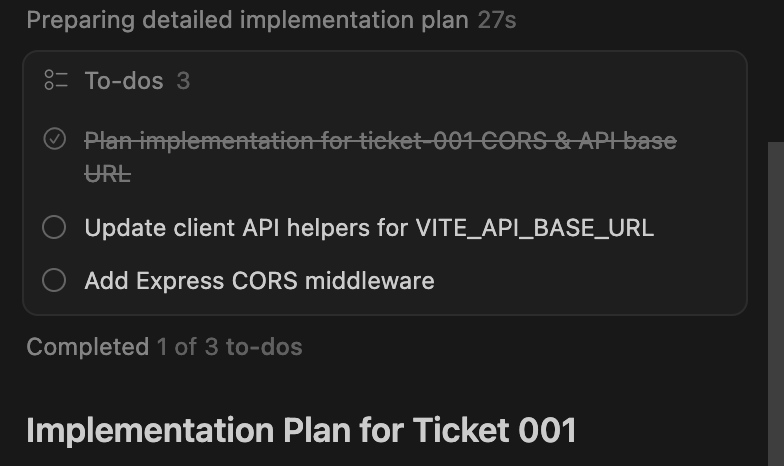
Then it actually executes it, updating me every so often and making updates to the necessary docs. Every so often, I have to nudge it to update the docs, but otherwise it does pretty well!
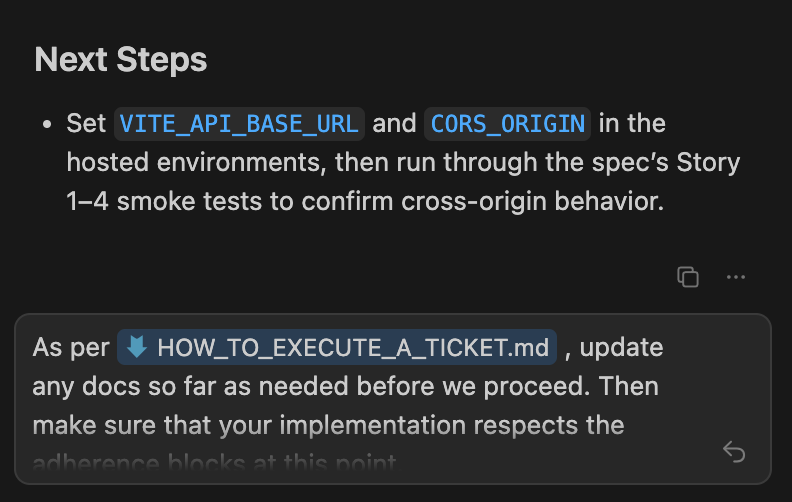
Eventually Cursor hits a point where I need to step in and do some stuff, so I ask it to summarize what I need to do.
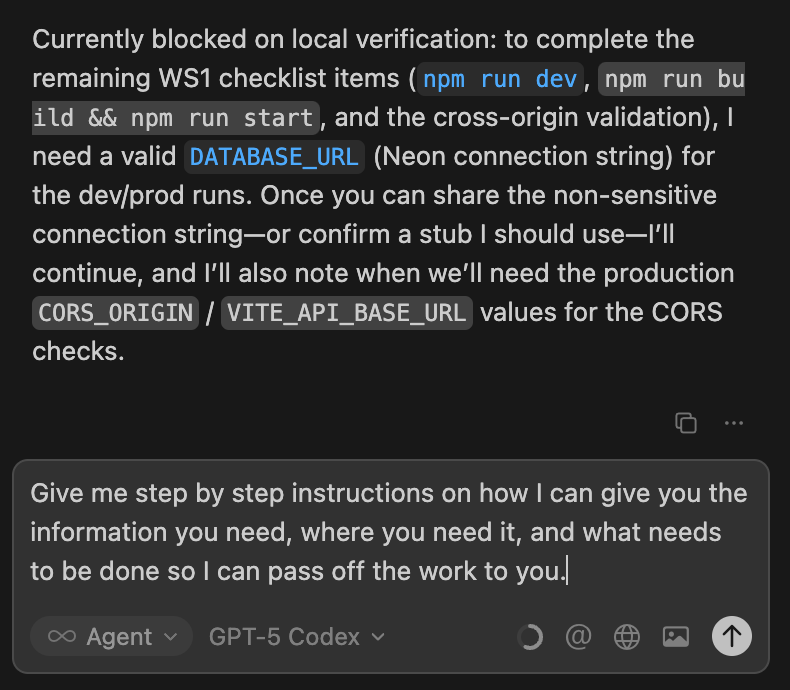
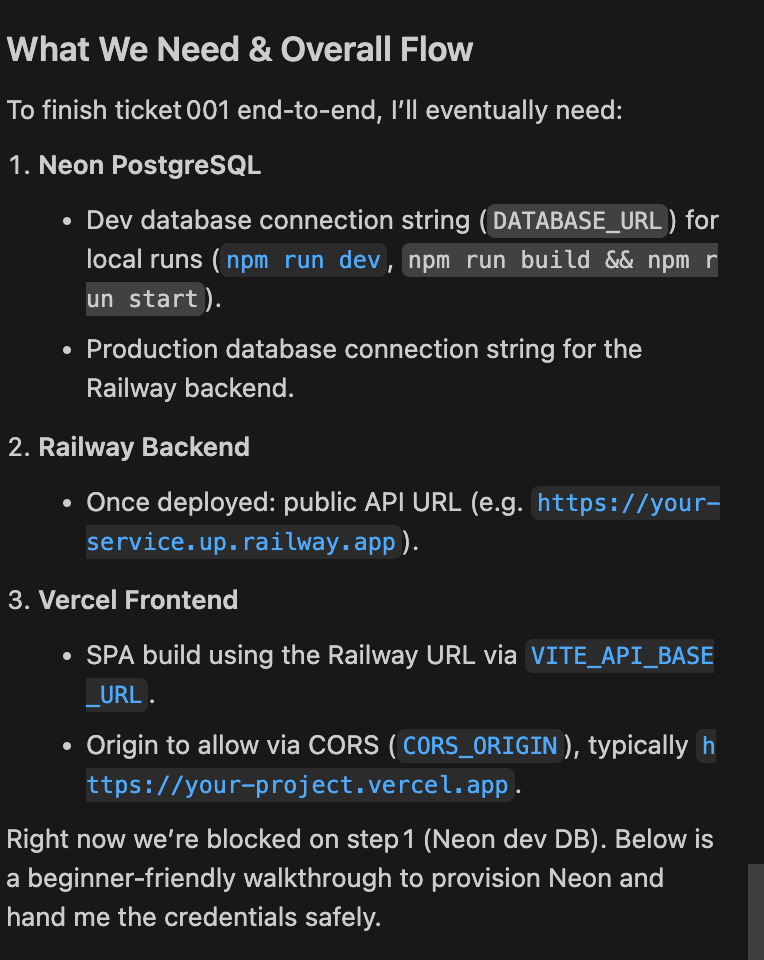
After I provide this information to Cursor, it can continue on its way.
While setting this up, I learned that Neon has an MCP server! Amazing. That’ll make using it within Cursor even easier.
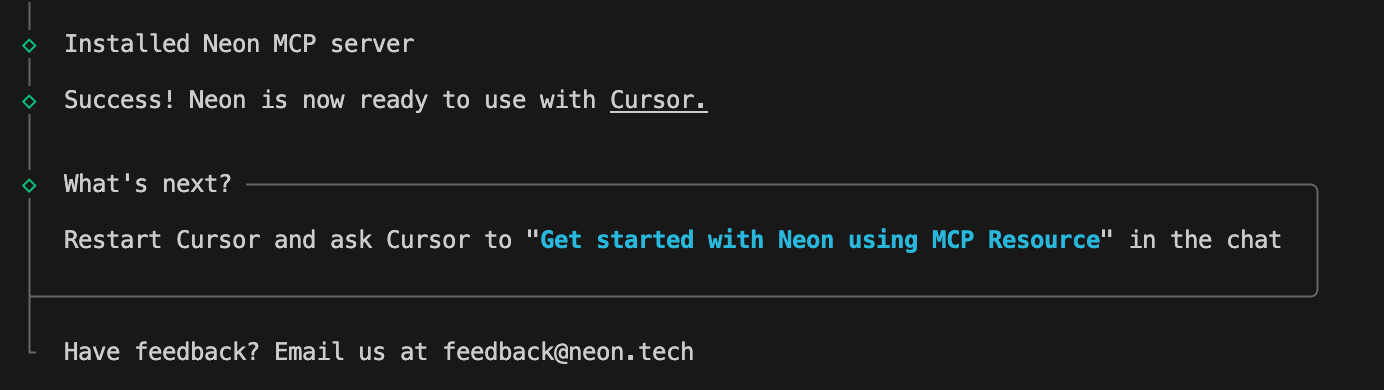
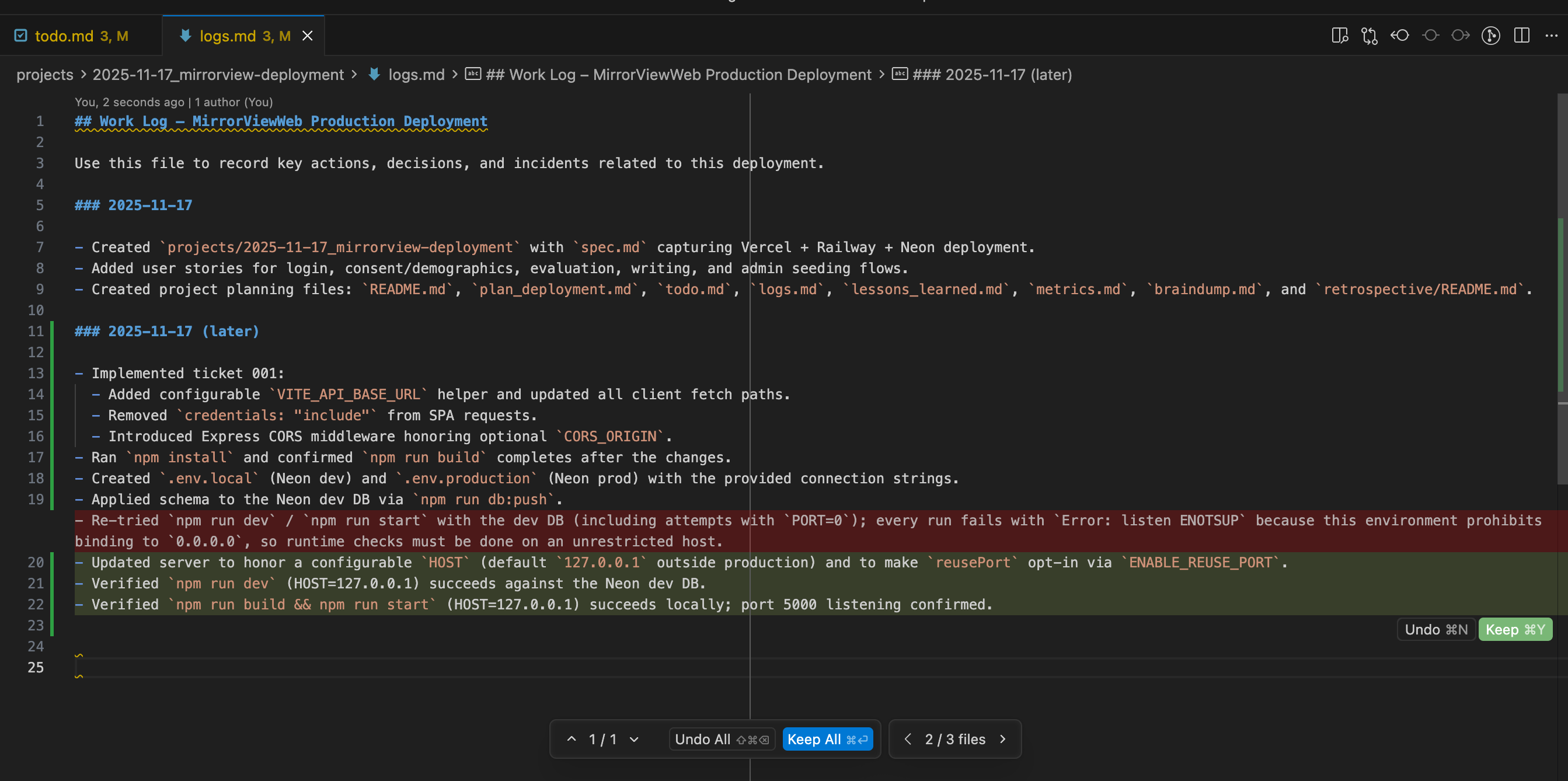
I’m hitting some errors with deploying the Neon database locally. The AI agent correctly (1) stops trying to solve it by itself and just tells me what it did, and (2) tracks its own progress in logs.md. This lets me keep track of the progress state without relying on agent memory.
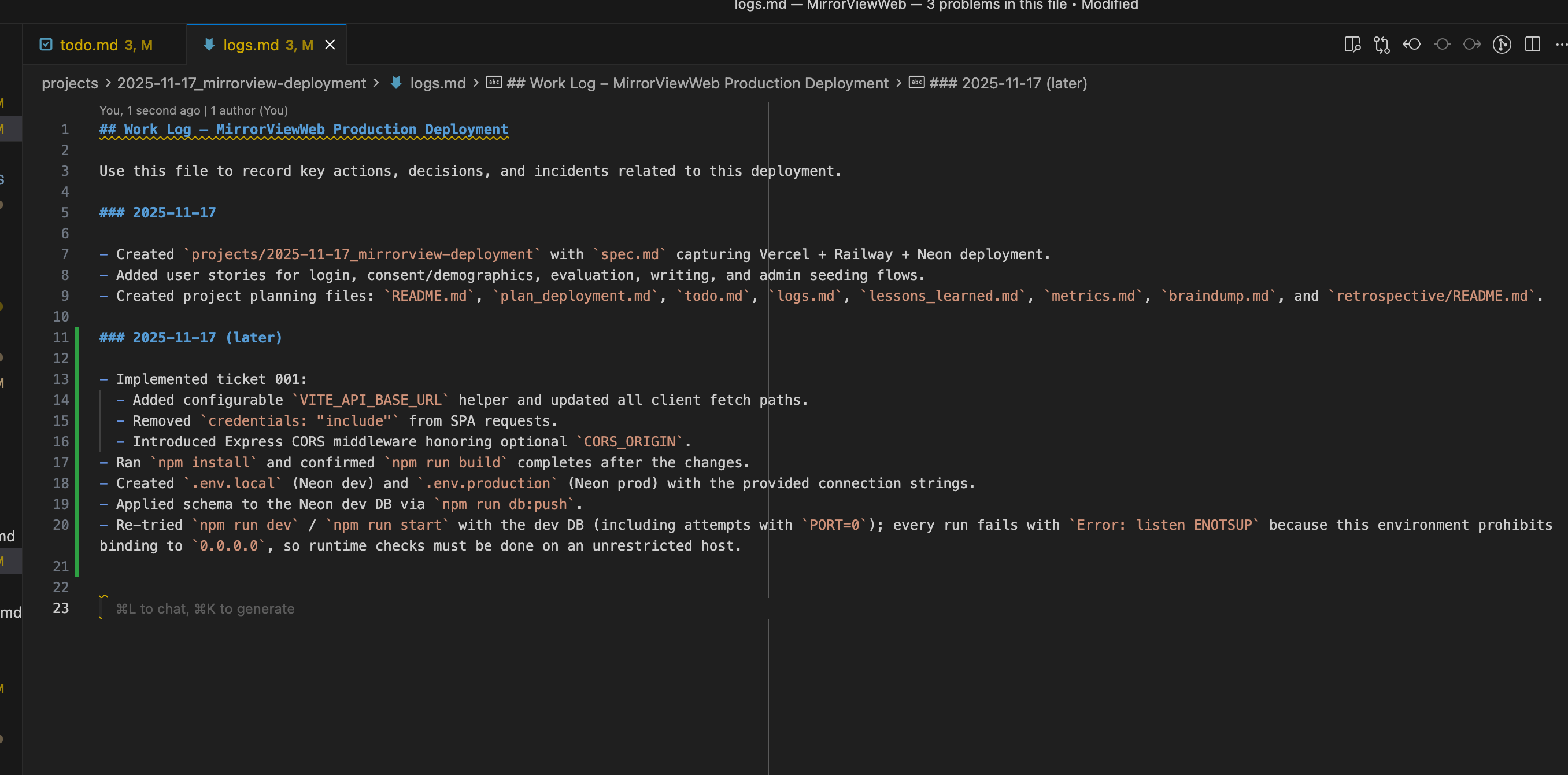
I prompted the model to propose a few solutions (and to ground those solutions by using the Exa MCP to look up how other people have fixed similar Neon setup bugs), and it was able to figure out how to get unstuck. The model correctly added the resulting updates to its logs.
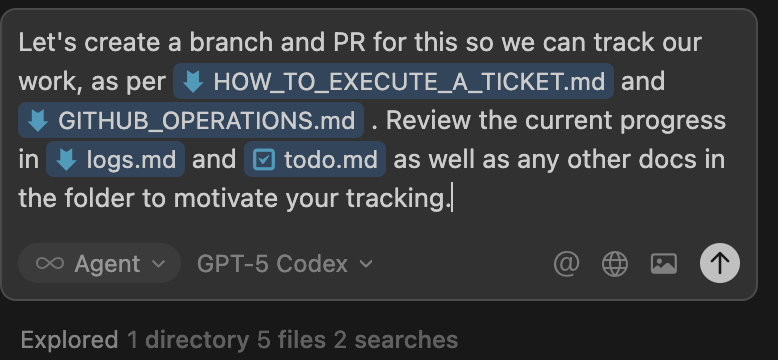
Before continuing, I asked the model (in a fresh chat session) to step back and create the branch/PR. This is a place where models sometimes do and sometimes don’t adhere to the prompt as I’d like, as it should create the branch sooner rather than later, but it’s OK, and I just re-prompt it here as needed.
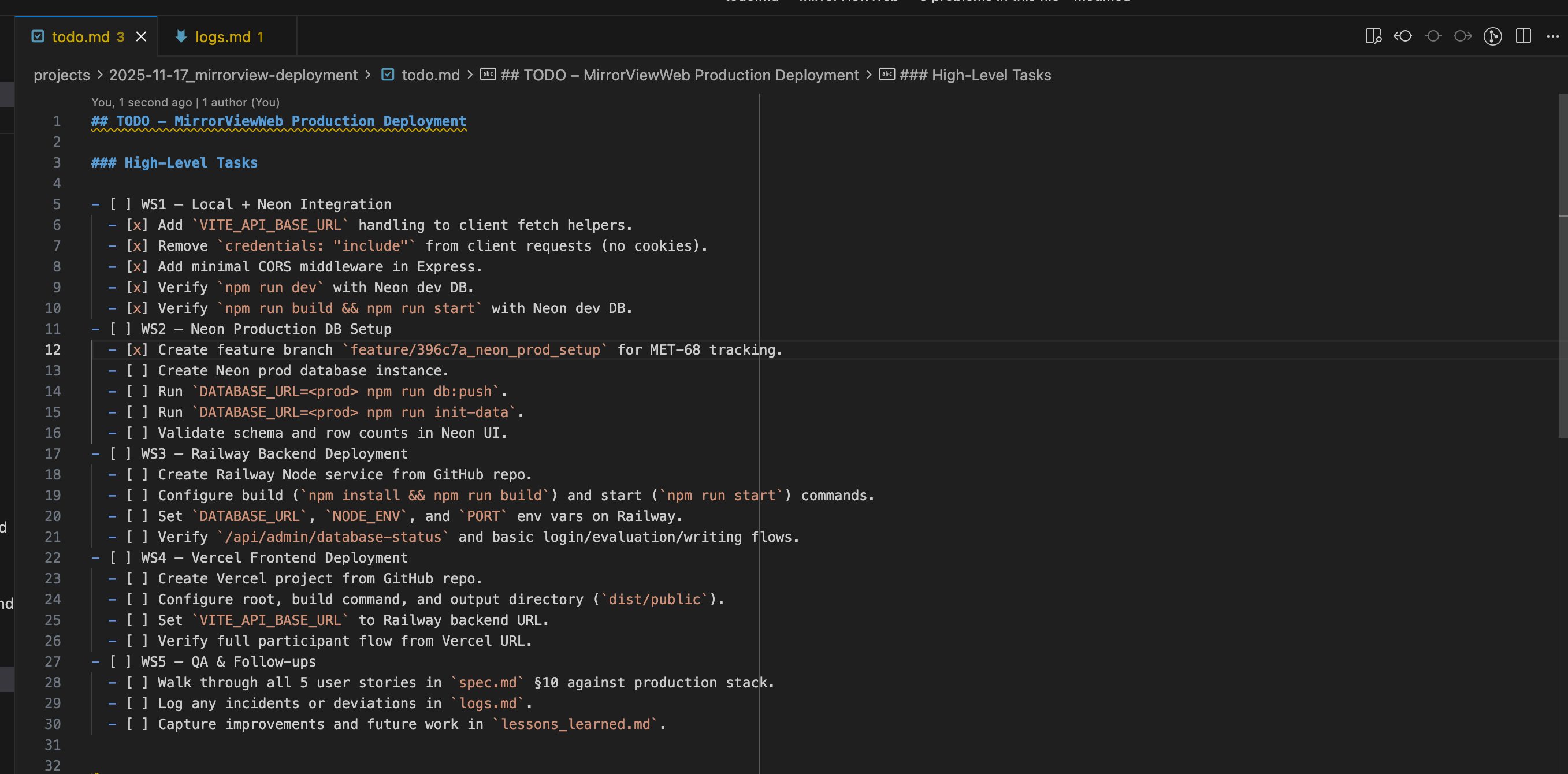
The agent is also correctly updating its TODO list as it goes along. Having both todo.md and logs.md has been critical to my workflow, as it allows me to persist state across agents, spin up new agents to follow where the other ones left off, track what agents did and did not try, and steer agentic development behavior to be much more stable and consistent.
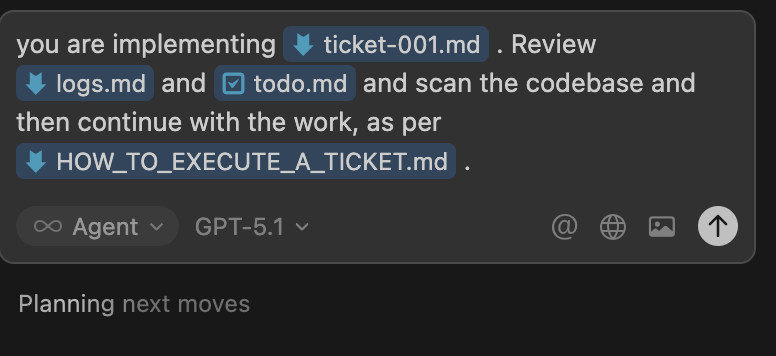
I can easily spin up new agents with fresh context windows to continue the work, which has the benefit of (1) being cheaper (running MAX MODE does add up…) and (2) making sure that I do actually track enough context (because if I don’t, the model begins to go awry).
Step 3: Merge in the PR
Once I completed development, I merged in the PR and shipped this feature and started working on the next ones.
Step 4: Rinse and repeat
This was the process that I did to deploy the first of 5 tickets for this project. For the next 4 tickets, I did this same process on repeat (though a little bit quicker over time as more of the setup steps were done and the implementation became more mature).